Skip to content
InnoOS
← Back to home

Click through InnoOS.

Real screens with sample data – no sign-up. Click the glowing dot or “Next”. (Screens shown in German; the US version uses US terms.)
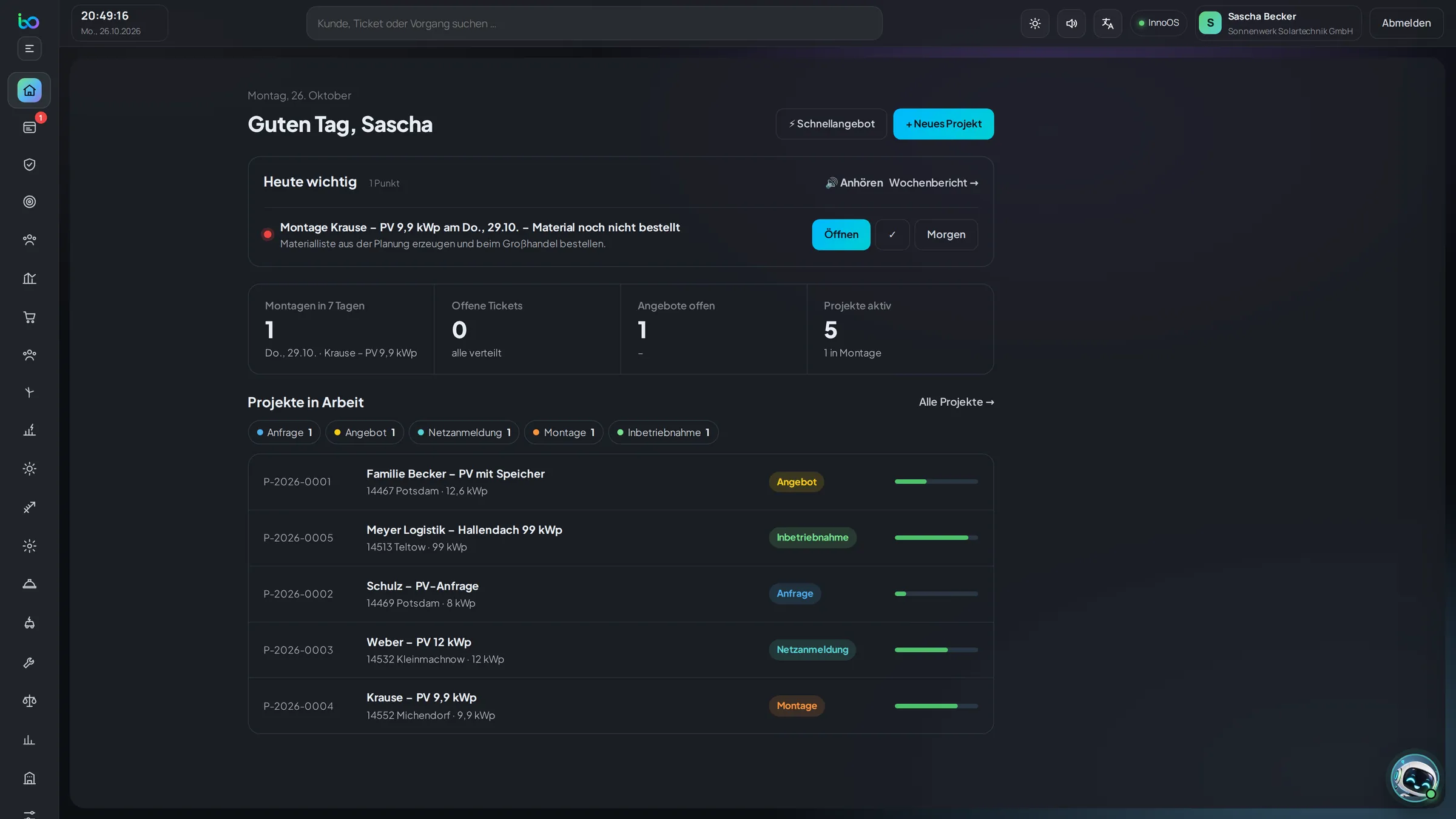
InnoOS: Today (sample data)
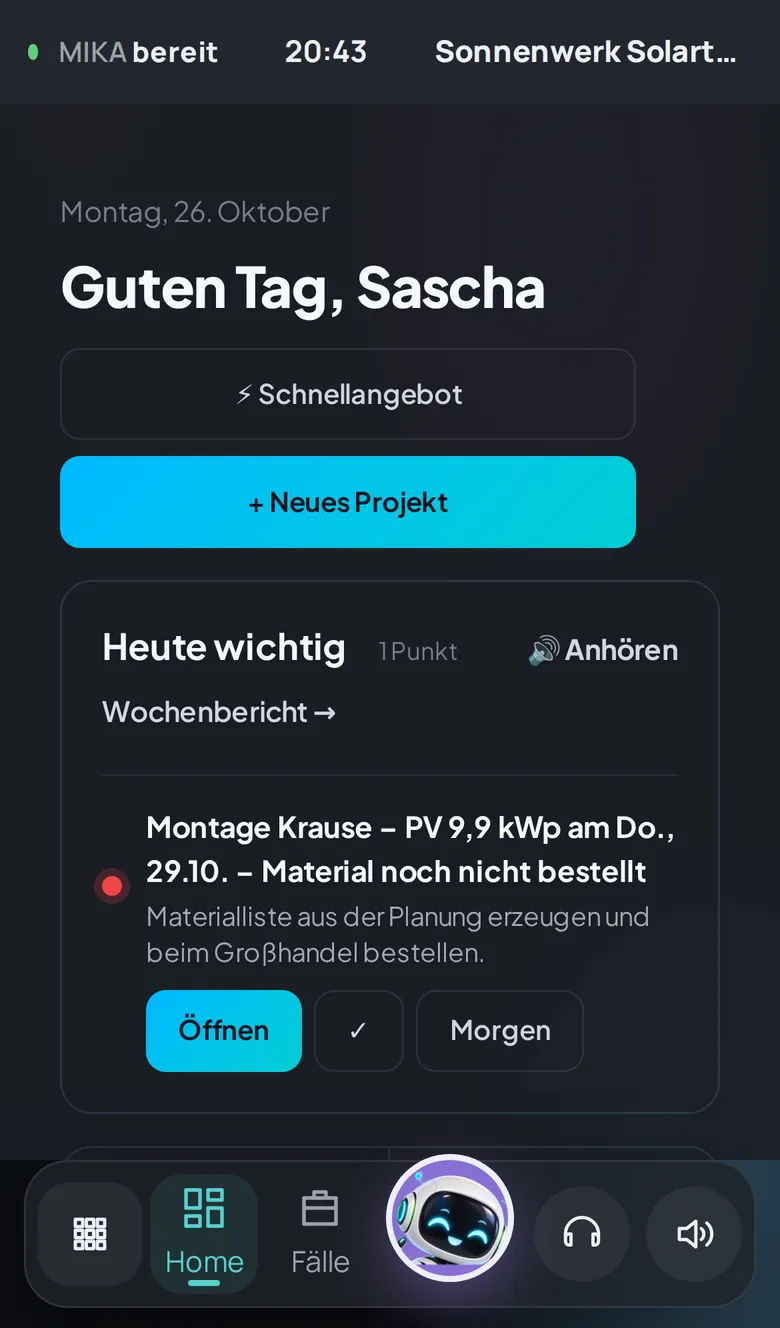
1. Today Every morning I show you what’s coming up. Here, materials are still missing for an install – one click and you’re on it.
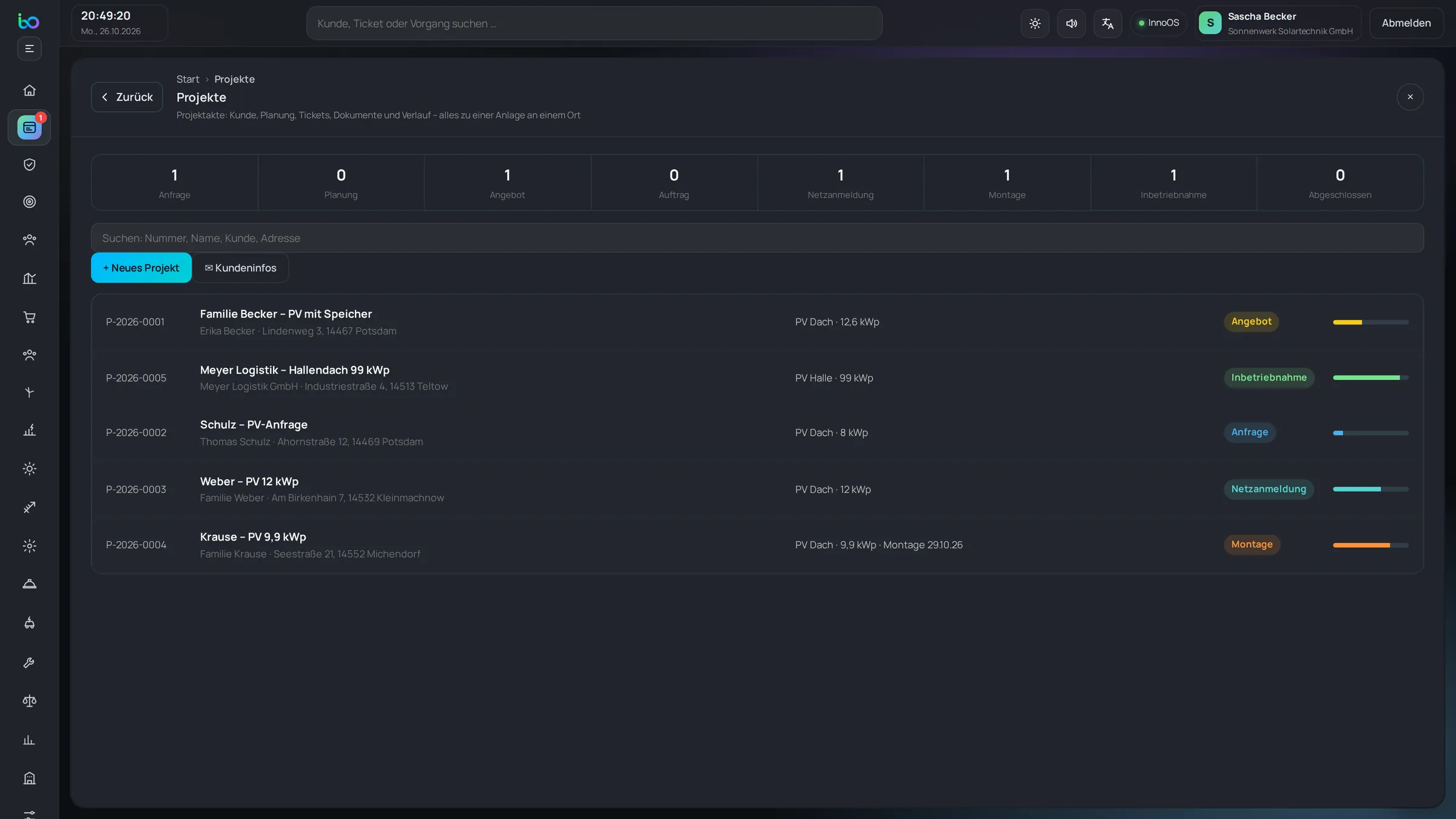
InnoOS: All projects (sample data)
2. All projects Every project at a glance – with stage and progress, from lead to completion.
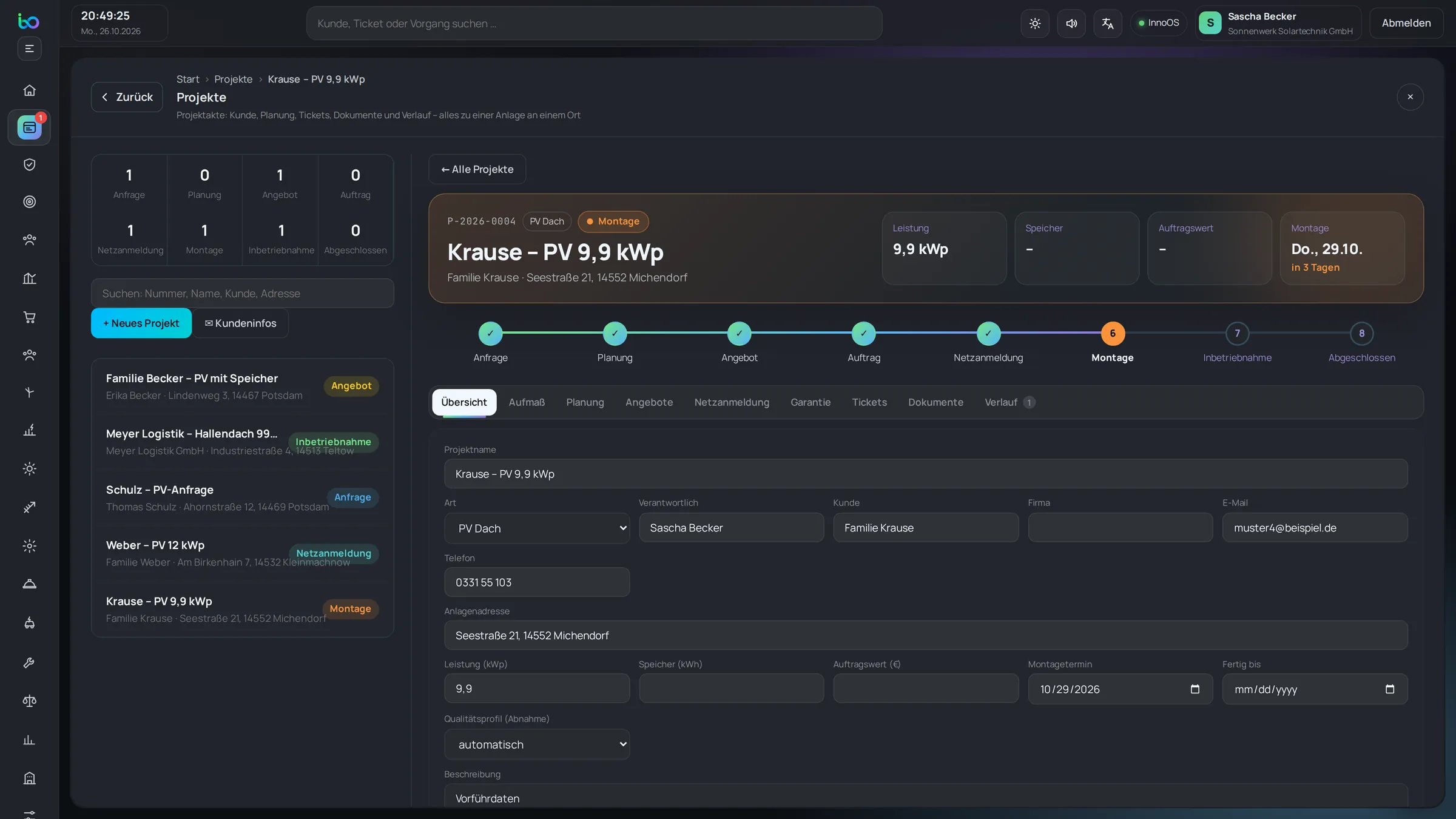
InnoOS: The project file (sample data)
3. The project file Every project moves through clear stages. Customer, design, documents and history live in one file.
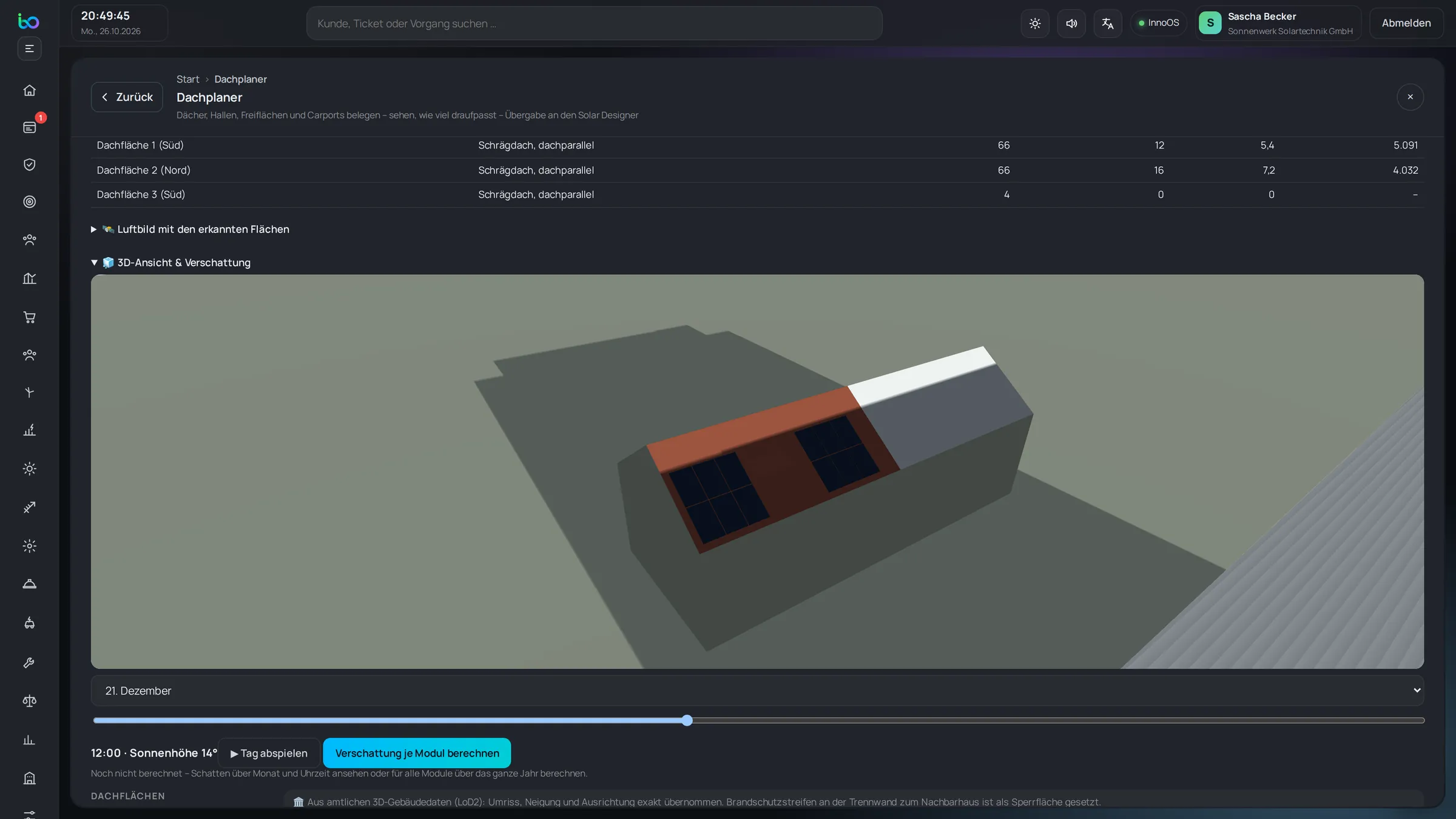
InnoOS: Roof planner in 3D (sample data)
4. Roof planner in 3D Design roofs in 3D – and see shading throughout the day.
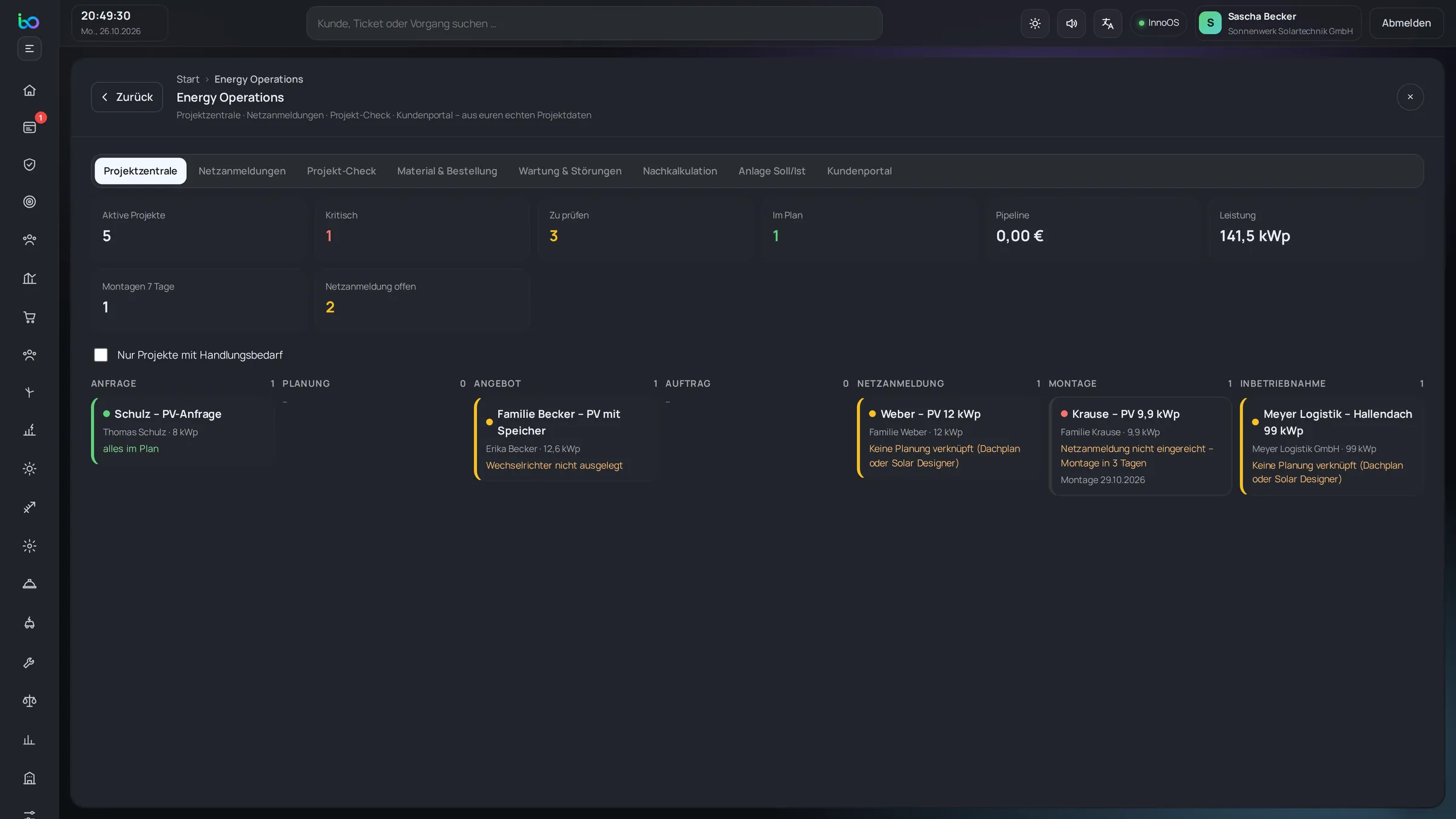
InnoOS: Project board (sample data)
5. Project board The board shows where every project stands – from proposal to commissioning.
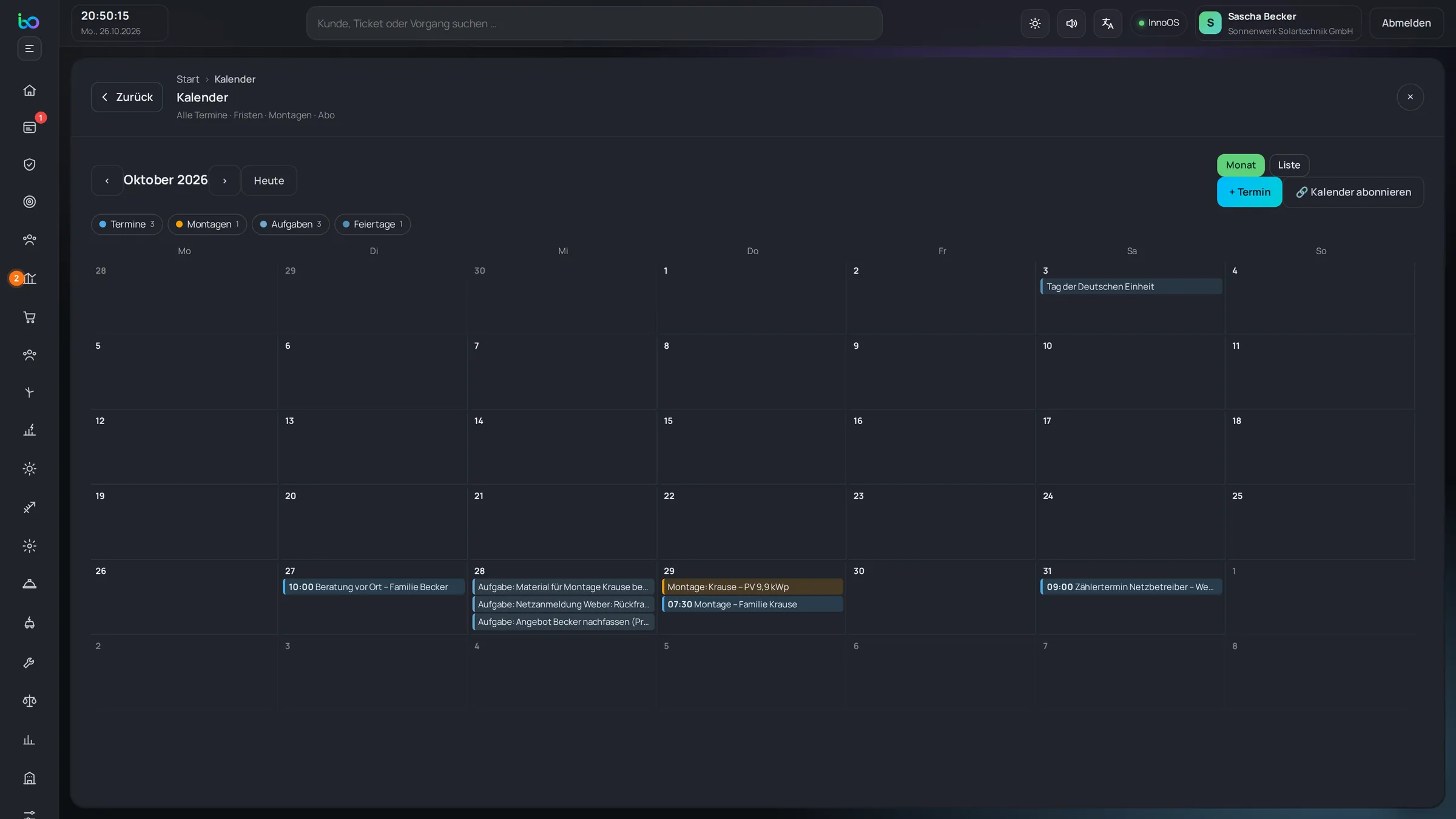
InnoOS: Installs on the calendar (sample data)
6. Installs on the calendar Installs and appointments land on the calendar automatically – Google and Outlook too.
InnoOS: Vendor bills (sample data)
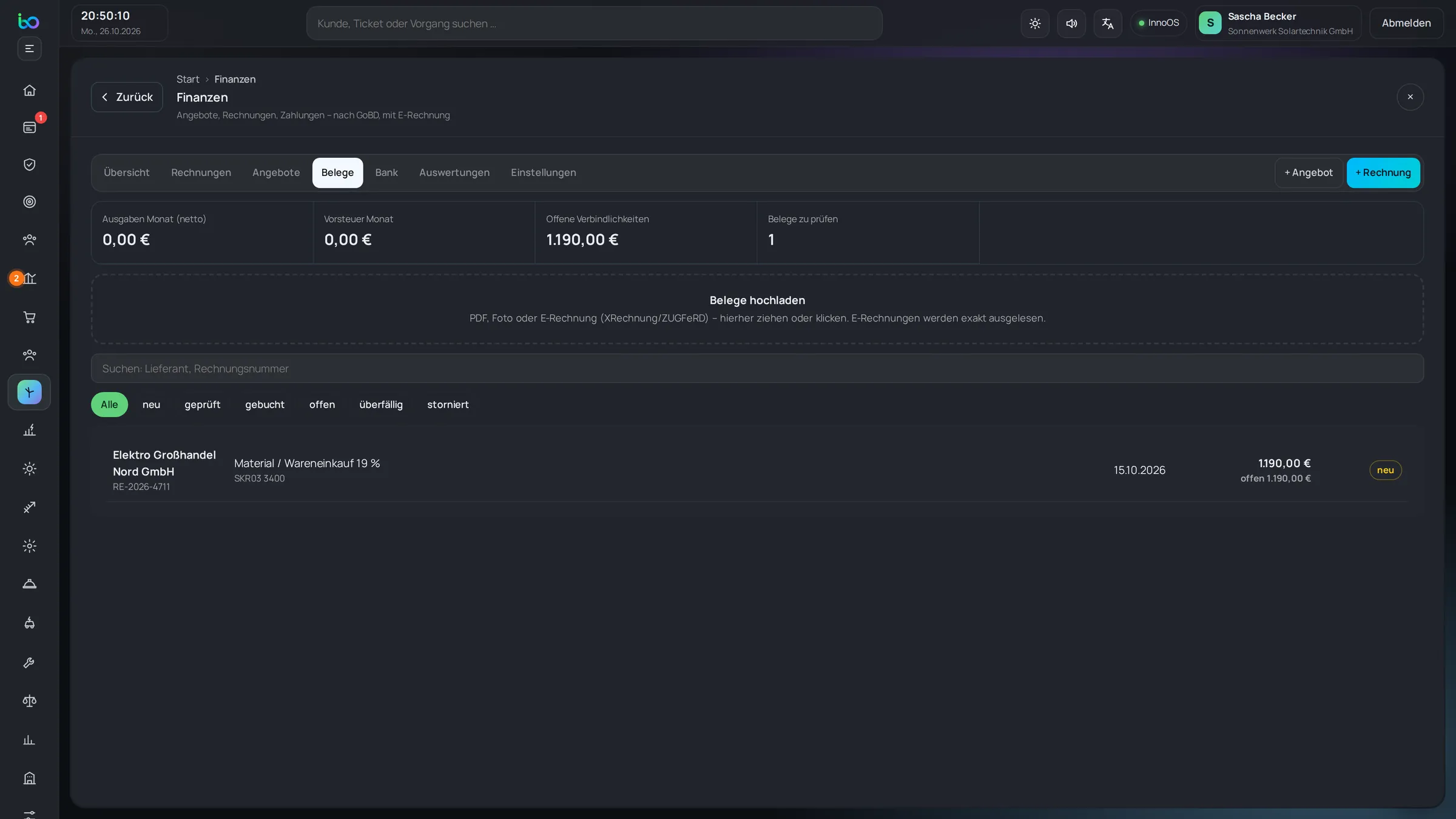
7. Vendor bills I read vendor bills for you: vendor, amount, tax. You just review.
InnoOS: Wind (sample data)
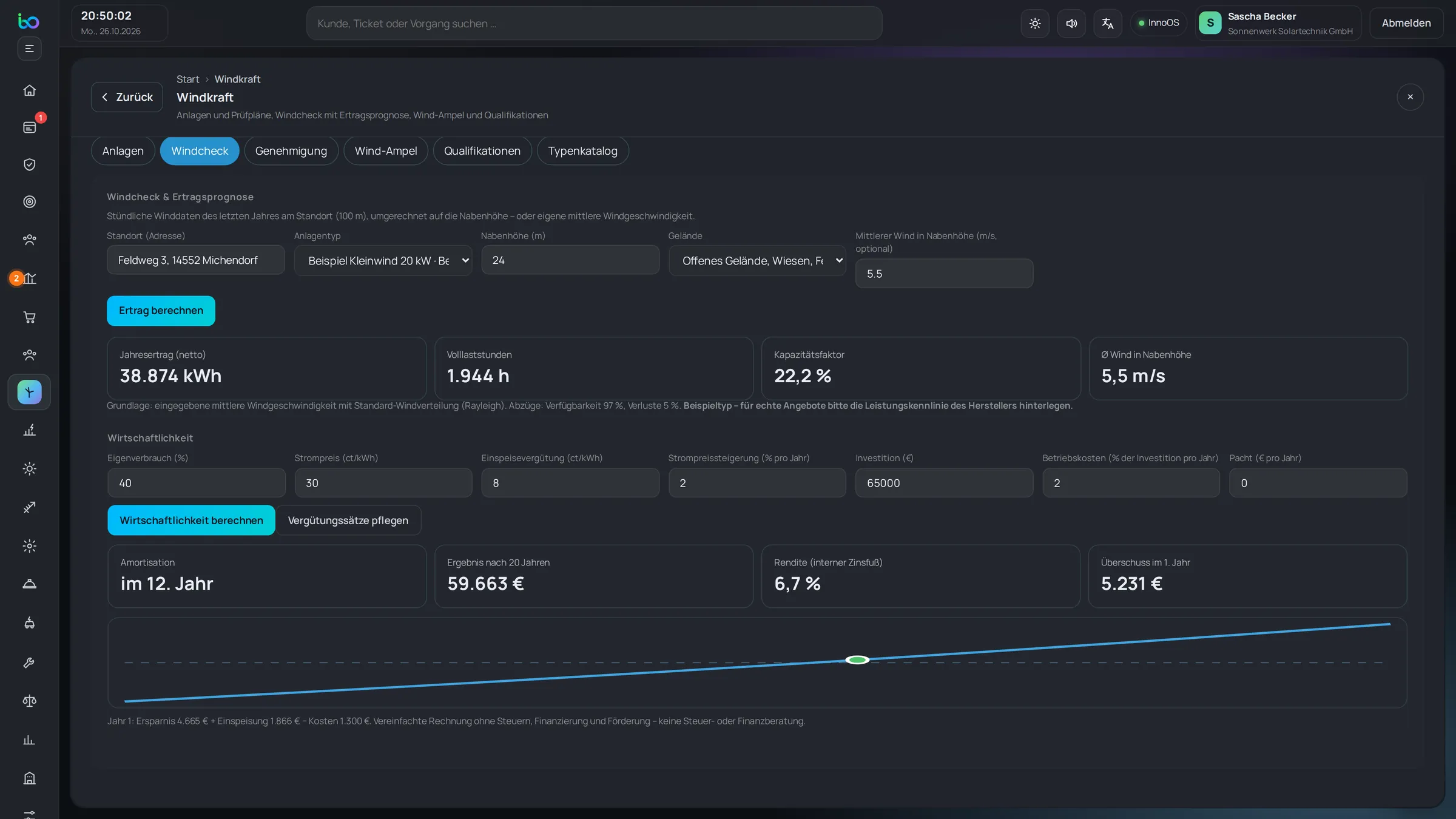
8. Wind For wind, too: production from real wind data and 20-year economics.
InnoOS: Ask MIKA (sample data)
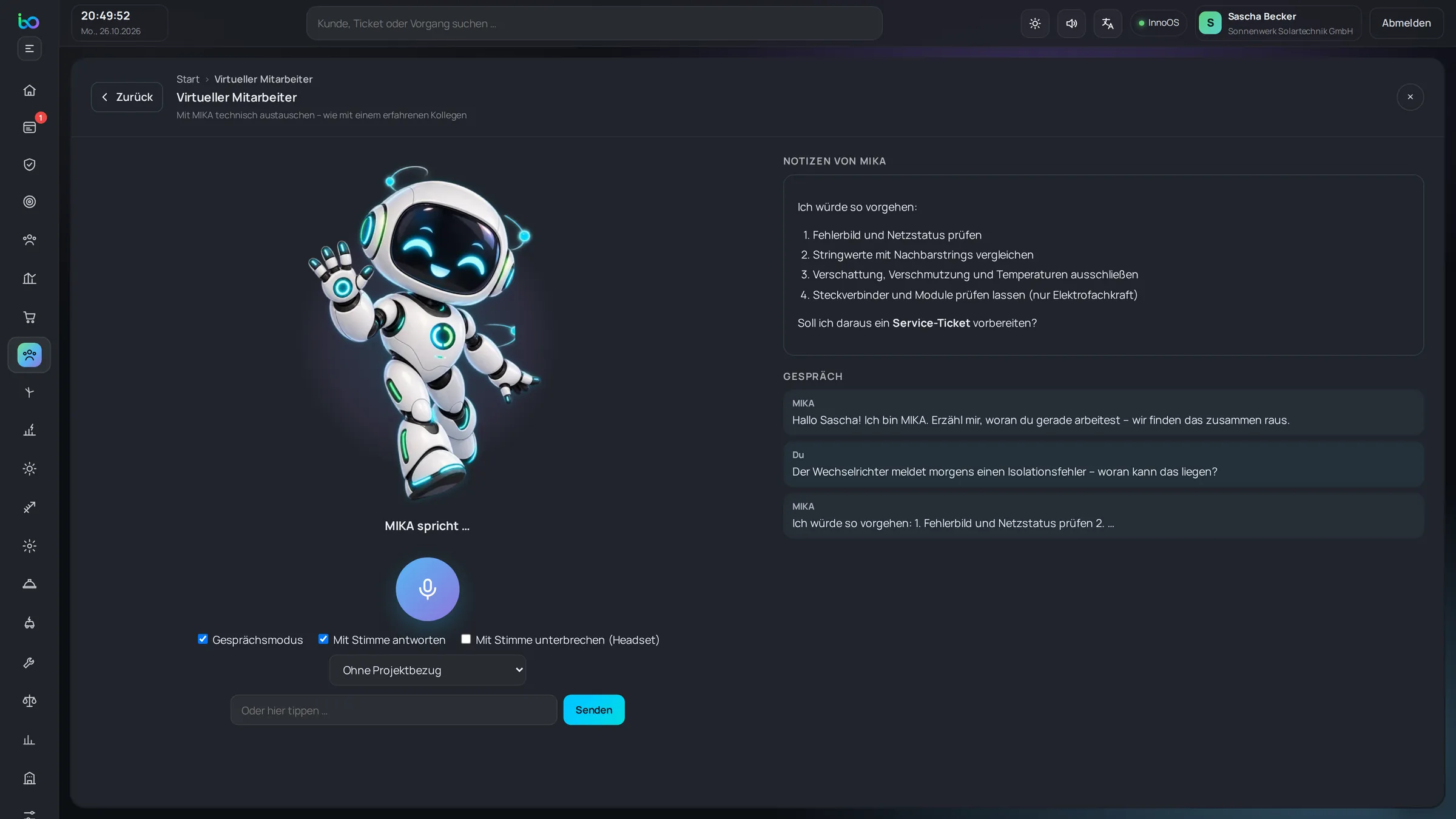
9. Ask MIKA When you’re stuck, just ask me – by text or by voice, like an experienced colleague.
InnoOS: On the phone (sample data)
10. On the phone All of it on the go and on the roof – as an app on your phone.
Today

Every morning I show you what’s coming up. Here, materials are still missing for an install – one click and you’re on it.

1 / 10

All names and numbers shown are sample data.